Вы тут:
Руководство
» Community features
» Sending e-mail to members
Sending e-mail to members
If you are a community administrator, you can send e-mail to all members of your community.
How to access
- Find your user menu on top bar:
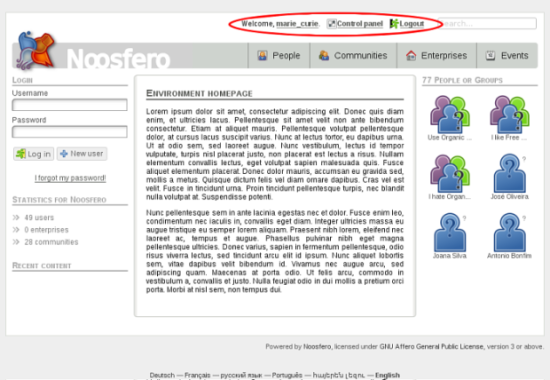
- In user menu, click on Control Panel:

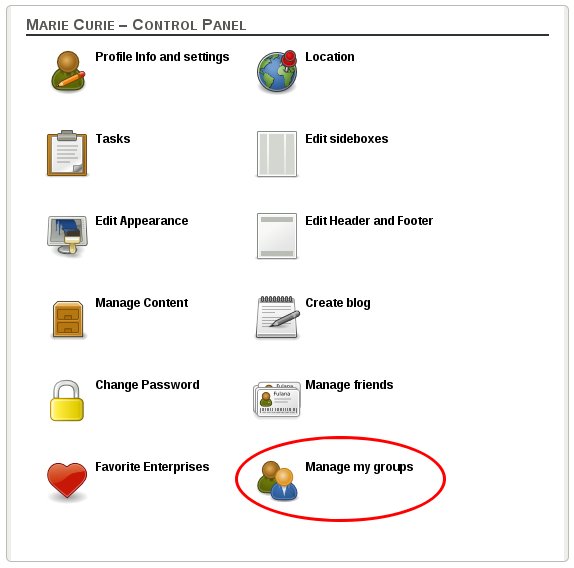
- Then, click on “Manage my groups” button:
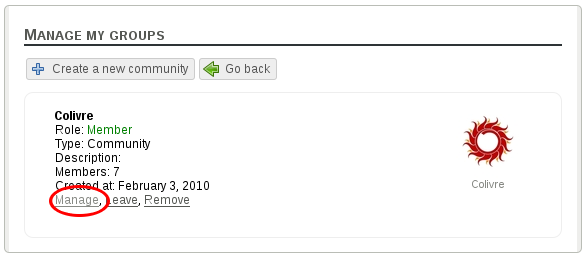
- You will see the list of groups (communities/enterprises) that you are a member. The groups that you can manage are listed with a link “Manage”. Assuming that you are a community administrator, click on “Manage” link.
Description
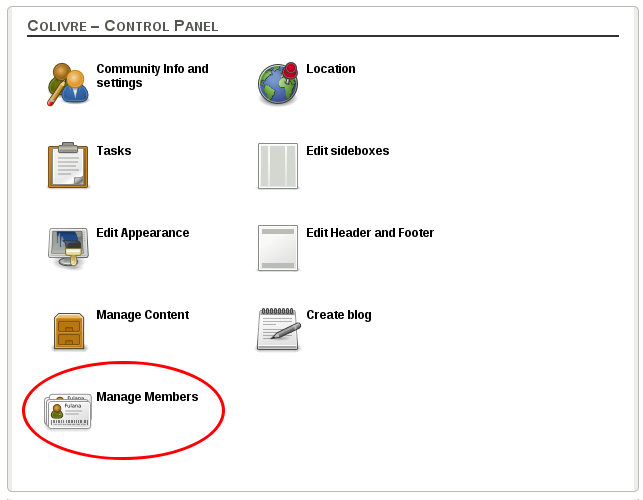
- In community control panel, click on “Manage members”
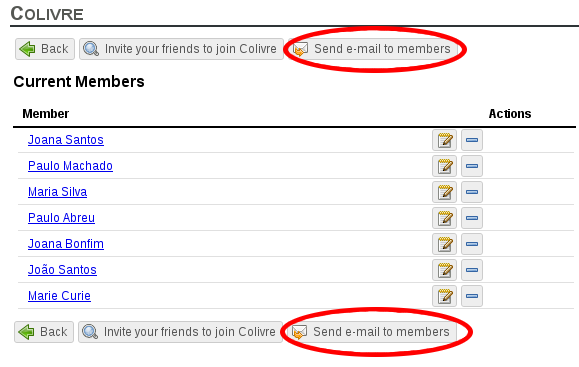
- You will see the members list of community and the send e-mail button. Click on the button.
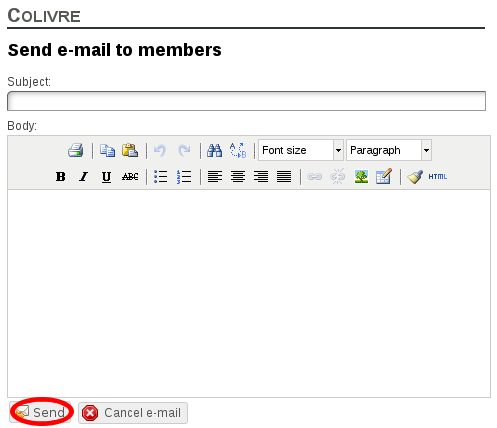
- Fill in the “Subject” field with the subject of the e-mail and the “Body” field with the content of the e-mail you want to send. Then, click on “Send”